
Narayan Prasath · 2026-01-02
LinkedIn Audience Network Explained: What It Is and How It Works
LinkedIn Audience Network extends your ads beyond LinkedIn to third-party apps and sites. Learn how LAN works, where ads appear, and setup steps.
LinkedIn Audience Network Explained: What It Is and How It Works
TL;DR: LinkedIn Audience Network (LAN) extends your LinkedIn ads beyond the LinkedIn platform to thousands of third-party mobile apps and websites. It increases reach by showing your ads to LinkedIn members while they browse other apps. You enable it with one checkbox in Campaign Manager—no additional creative or setup required.
Prerequisites
To use LinkedIn Audience Network, you need:
- Active LinkedIn Campaign Manager account
- Existing campaign with approved ads
- Minimum daily budget of $10 USD per campaign
- Campaign objective that supports LAN (most objectives qualify)
- Mobile-optimized landing pages (LAN is primarily mobile traffic)
What Is LinkedIn Audience Network?
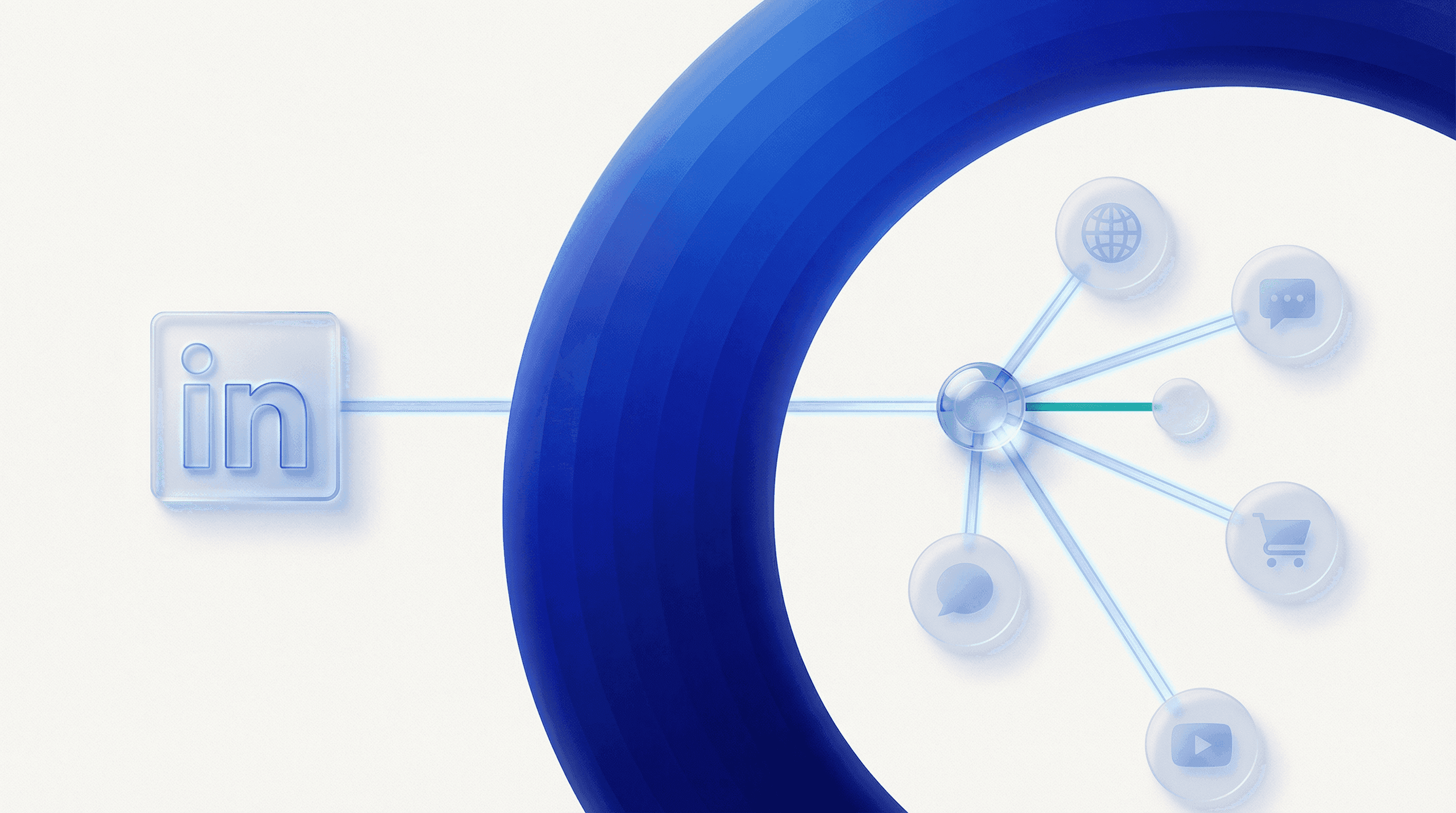
LinkedIn Audience Network (LAN) is an ad placement expansion feature that displays your LinkedIn ads outside of LinkedIn—on partner mobile apps and websites. When enabled, your campaigns reach LinkedIn members while they're using third-party apps like news readers, productivity tools, and mobile games.
Key characteristics:
- Extends reach beyond LinkedIn's platform
- Shows ads to the same audiences you target on LinkedIn
- Uses identical targeting criteria (job title, company, seniority, etc.)
- Displays same ad creatives—no separate ads needed
- Primarily mobile inventory (95%+ mobile vs desktop)
- Costs typically 30-50% less than LinkedIn feed ads
Think of LAN as LinkedIn's version of Facebook Audience Network or Google Display Network—but limited to LinkedIn members.
How LinkedIn Audience Network Works
The Placement Model
When you enable LinkedIn Audience Network:
- LinkedIn identifies members who match your target audience
- Those members browse third-party mobile apps that partner with LinkedIn
- LinkedIn serves your campaign ads in those apps
- Clicks and conversions are tracked identically to on-platform ads
- All performance data appears in Campaign Manager
Your targeting doesn't change—you're reaching the same decision-makers, just in more locations.
Where LinkedIn Audience Network Ads Appear
LAN ads display across thousands of third-party mobile apps and websites, including:
App Categories:
- News and media apps (Bloomberg, Reuters partners)
- Professional content apps
- Mobile games
- Productivity tools
- Weather apps
- Finance apps
Placement Types:
- In-feed native ads (looks like app content)
- Banner ads (top or bottom of screen)
- Interstitial ads (between app screens)
LinkedIn does not publicly disclose the full list of partner apps. You cannot select specific apps or exclude individual apps from your LAN targeting.
Key Features of LinkedIn Audience Network
Feature 1: Automatic Creative Adaptation
LAN automatically reformats your LinkedIn ads to fit third-party placements:
- Single image ads become mobile banner ads
- Video ads adapt to in-feed video placements
- Carousel ads display as single-image ads (showing the first card)
No additional creative work required—LinkedIn handles formatting.
Feature 2: Same Targeting, Expanded Reach
Your targeting criteria apply identically on LAN:
- Job titles, functions, seniority
- Company name, industry, size
- Matched Audiences (contact lists, website retargeting)
- Location, age, gender
- Skills, degrees, field of study
LinkedIn verifies members are logged into LinkedIn before serving LAN ads, ensuring targeting accuracy.
Feature 3: Cost Efficiency
LAN typically delivers:
- 30-50% lower cost per click (CPC) vs LinkedIn feed
- 40-60% lower cost per impression (CPM)
- 2-3x more impressions for the same budget
Trade-off: Lower engagement rates and conversion rates compared to native LinkedIn placements.
Feature 4: Unified Reporting
All LAN performance appears in Campaign Manager alongside LinkedIn feed performance. You cannot separate LAN and LinkedIn feed data within Campaign Manager, but you can compare campaigns with LAN enabled vs disabled.
When to Use LinkedIn Audience Network
Best Use Cases for LAN
1. Brand Awareness Campaigns Maximize reach and impressions at low cost. Ideal for:
- Product launches
- Event promotion
- Thought leadership content
- Building brand recognition
2. Top-of-Funnel Lead Generation When your goal is volume over quality:
- Early-stage content downloads
- Newsletter signups
- Webinar registrations with broad appeal
3. Retargeting Campaigns Re-engage website visitors or email lists:
- Follow users who viewed your pricing page
- Nurture leads who downloaded content
- Retarget event attendees
4. Budget-Constrained Campaigns Stretch limited budgets with lower CPCs:
- Startups testing LinkedIn ads
- Small campaigns with $500-2000/month budgets
- Pilot programs proving LinkedIn ROI
When NOT to Use LAN
Avoid LinkedIn Audience Network for:
1. High-Intent Conversion Campaigns LAN delivers lower conversion rates for:
- Direct demo requests
- Free trial signups
- SQL (sales qualified lead) generation
2. Precise Targeting Campaigns When precision matters more than reach:
- Account-based marketing (ABM) targeting specific companies
- Executive-level targeting (C-suite only)
- Niche industry targeting (sub-1000 addressable audience)
3. Content Requiring Context Ads that depend on professional context:
- Job postings
- Industry-specific case studies
- B2B SaaS with complex value props
4. Performance-Sensitive Campaigns When you need predictable ROI:
- Bottom-funnel conversion campaigns
- Limited-budget campaigns requiring efficiency
- Campaigns with strict cost-per-lead targets
LinkedIn Audience Network vs LinkedIn Feed: Comparison
| Factor | LinkedIn Feed | LinkedIn Audience Network |
|---|---|---|
| Placement | LinkedIn.com, LinkedIn mobile app | Third-party mobile apps and sites |
| Context | Professional, B2B mindset | General browsing, entertainment |
| Avg CPC | $8-12 | $3-6 |
| Avg CPM | $30-50 | $10-20 |
| CTR | 0.4-0.6% | 0.2-0.4% |
| Conversion Rate | Higher | Lower |
| Best For | Direct response, conversions | Awareness, reach, retargeting |
| Targeting Accuracy | Highest | High (LinkedIn-verified) |
| Ad Formats | All formats | Limited formats (no Sponsored Messaging) |
How to Set Up LinkedIn Audience Network
Step 1: Create or Edit Campaign
- Log into Campaign Manager at
business.linkedin.com/campaign-manager - Click "Create campaign" or select existing campaign
- Choose a campaign objective (most objectives support LAN)
- Set up your targeting and budget as normal
Step 2: Enable LinkedIn Audience Network
In the campaign setup flow:
- Scroll to the "Placements" section (appears after targeting)
- You'll see two checkboxes:
- ☐ LinkedIn Audience Network
- Check "LinkedIn Audience Network" to enable
- LinkedIn shows estimated reach increase (typically 2-5x)
Default behavior: LAN is disabled by default. You must explicitly enable it.
Step 3: Review and Launch
No additional settings exist for LAN—it uses your existing:
- Targeting criteria
- Ad creatives
- Bidding strategy
- Budget settings
Click "Launch campaign" to activate.
Step 4: Create LAN-Only Campaign (Optional)
To test LAN separately:
- Duplicate your existing campaign
- In one campaign: Enable only "LinkedIn" placement
- In the duplicate: Enable only "LinkedIn Audience Network"
- Run both campaigns simultaneously
- Compare performance in Campaign Manager
This lets you analyze LAN performance independently and optimize bids separately.
Optimizing LinkedIn Audience Network Performance
Optimization 1: Adjust Bids for LAN
If running LAN-only campaigns, bid 30-50% lower than LinkedIn feed campaigns:
LinkedIn feed bid: $15 CPC LAN bid: $8-10 CPC
LAN's lower competition justifies lower bids while maintaining volume.
Optimization 2: Use Mobile-First Creatives
Since LAN is 95%+ mobile:
- Use vertical or square images (9:16 or 1:1) over horizontal
- Keep text overlays large and readable on small screens
- Place CTAs at bottom center (thumb-friendly zone)
- Avoid tiny logos or fine print
Optimization 3: Exclude Low-Performing Placements
You cannot exclude specific apps, but you can exclude LAN entirely from campaigns if performance is poor:
- Campaign Manager > Select Campaign
- Edit campaign settings
- Uncheck "LinkedIn Audience Network"
- Save changes
Monitor LAN's impact on overall campaign metrics. Disable LAN if:
- Cost per conversion increases >40%
- CTR drops below 0.15%
- Lead quality scores decline significantly
Optimization 4: Test LAN with Retargeting First
Retargeting campaigns perform better on LAN because:
- Audience is already familiar with your brand
- Users need multiple touchpoints (LAN provides extra impressions)
- Lower-cost impressions improve overall retargeting ROI
Start with matched audiences (website retargeting or email lists) before testing LAN with cold audiences.
Optimization 5: Pair LAN with LinkedIn Feed
Run blended campaigns using both placements:
- ☑ LinkedIn Audience Network
Benefits:
- LinkedIn's algorithm automatically optimizes delivery to better-performing placements
- You get higher reach without sacrificing all conversion quality
- Lower average CPC across the campaign
This approach works well for lead generation campaigns with moderate cost-per-lead targets.
Common Mistakes with LinkedIn Audience Network
Mistake 1: Enabling LAN on Direct-Response Campaigns
Wrong: Enabling LAN on demo request campaigns expecting same conversion rates Right: Test LAN first on awareness or retargeting campaigns, then expand if ROI justifies
Mistake 2: Ignoring Mobile Optimization
Wrong: Using desktop-only landing pages with LAN enabled Right: Ensure landing pages load fast on mobile, with mobile-friendly forms
LAN is 95%+ mobile traffic. A slow or non-mobile-optimized landing page kills conversions.
Mistake 3: Not Splitting Campaigns for Testing
Wrong: Enabling LAN on all campaigns without baseline comparison Right: Create LAN-only and LinkedIn-only campaigns to measure performance independently
Without separate campaigns, you can't determine LAN's true impact on your metrics.
Mistake 4: Setting Same Bids for LAN and LinkedIn
Wrong: Using $15 CPC bids for both LinkedIn and LAN placements Right: Lower bids for LAN-only campaigns (typically 30-50% less)
LAN's lower competition doesn't require premium LinkedIn feed bids.
Troubleshooting LinkedIn Audience Network
Issue 1: LAN Option Not Available
Causes:
- Campaign objective doesn't support LAN (Sponsored Messaging campaigns)
- Account age under 30 days
- Campaign in draft mode (not launched)
- Budget under $10/day
Fixes:
- Use objectives like Brand Awareness, Website Visits, or Lead Generation
- Wait until account is 30+ days old
- Increase daily budget to at least $10
- Launch campaign to see LAN option appear
Issue 2: Low Impressions on LAN
Causes:
- Target audience too narrow (under 50,000 members)
- Bid too low for LAN inventory
- Budget constraints limiting delivery
- Ad creatives not approved for LAN placements
Fixes:
- Expand targeting to at least 50,000 members
- Increase bid by 20-30%
- Raise daily budget to at least $50
- Check ad approval status in Campaign Manager
Issue 3: High CTR but Low Conversions
Cause: LAN traffic is less qualified than LinkedIn feed traffic, especially for lower-funnel offers
Fix: This is expected behavior. Options:
- Accept lower conversion rates in exchange for lower cost per click
- Disable LAN on conversion-focused campaigns
- Adjust landing pages to better qualify LAN traffic (add friction like multi-step forms)
Issue 4: Cannot See LAN Performance Separately
Cause: Campaign Manager doesn't separate LAN and LinkedIn feed metrics by default
Fix: Create separate campaigns:
- Campaign A: LinkedIn placement only
- Campaign B: LinkedIn Audience Network only
Compare performance across campaigns.
LinkedIn Audience Network Policies
LinkedIn prohibits certain content from LAN placements:
Restricted Content:
- Adult products or services
- Alcohol and gambling (in most regions)
- Cryptocurrency and NFTs
- Healthcare products requiring disclaimers
- Political ads in certain countries
If your LinkedIn feed ads are approved but not showing on LAN, check Campaign Manager for LAN-specific policy rejections.
Quality Requirements:
- Images must meet minimum resolution (1200x627px for single image ads)
- Videos must be under 30 minutes
- Landing pages must load in under 5 seconds
- No misleading headlines or clickbait
Glossary
| Term | Definition |
|---|---|
| LinkedIn Audience Network | LinkedIn's ad placement expansion that shows ads on third-party mobile apps and websites |
| LAN | Abbreviation for LinkedIn Audience Network |
| Native Ad | Ad that matches the look and feel of the app or site where it appears |
| Interstitial Ad | Full-screen ad that appears between content transitions in mobile apps |
| Placement | Where your ad appears (LinkedIn feed vs Audience Network) |
| Partner Apps | Third-party mobile apps and websites in LinkedIn's ad network |
| Blended Campaign | Campaign with both LinkedIn and LAN placements enabled |
| LAN-Only Campaign | Campaign with only Audience Network placement enabled |
Verification Checklist
After enabling LinkedIn Audience Network:
- LAN checkbox is enabled in campaign placements section
- Campaign has minimum $10/day budget
- Campaign objective supports LAN (not Sponsored Messaging)
- Landing pages are mobile-optimized and load fast
- Forms work correctly on mobile devices
- Ads approved in Campaign Manager (no policy violations)
- Target audience is at least 50,000 members for adequate LAN reach
- Bid strategy appropriate for LAN (lower bids if LAN-only campaign)
- Conversion tracking installed to measure LAN performance
- Separate test campaign created (optional but recommended)
Recommended Next Steps
After enabling LinkedIn Audience Network:
- Week 1: Monitor CTR and CPC daily. Pause if CTR drops below 0.15%
- Week 2: Check conversion data. Calculate cost per conversion for LAN traffic
- Week 3: Compare LAN-enabled campaign vs LinkedIn-only campaign performance
- Week 4: Optimize based on data:
- Keep LAN enabled if cost per conversion is acceptable
- Disable if lead quality or conversion rate is too low
- Adjust bids if CPC is too high
For retargeting campaigns and awareness campaigns, LAN usually improves ROI. For direct demo requests or sales-qualified leads, test carefully before scaling.
Screenshot List:
- Campaign Manager campaign creation flow showing "Placements" section (Campaign Setup > Placements step)
- Placements section with two checkboxes: LinkedIn and LinkedIn Audience Network (Campaign Setup > Placements > Checkbox options)
- Reach estimate showing increase when LAN enabled (Placements section > "Estimated reach" metric below checkboxes)
- Campaign list view showing LAN-enabled vs LinkedIn-only campaigns side by side (Campaign Manager homepage > Campaign list)
- Example of native ad in third-party mobile app feed (External mobile app screenshot - conceptual)
- Example of banner ad placement in mobile app (External mobile app screenshot - conceptual)
- Campaign performance dashboard showing blended LinkedIn + LAN results (Campaign Manager > Campaign Detail > Performance tab)
- Ad creative preview showing mobile-optimized format (Campaign Manager > Ad Preview section)
- Campaign edit screen with LAN checkbox highlighted (Edit Campaign > Placements > LAN checkbox)
- Campaign objectives list showing which support LAN (Campaign Creation > Objective Selection screen)
- Budget and bidding section showing $10 minimum daily budget (Campaign Setup > Budget section)
- Ad approval status showing LAN-specific restrictions (Campaign Manager > Ads > Status column)